

All docs pages
For creators
Create your account
Creators run campaigns from the website. Clippers don't need an account here: they join in Discord.
Sign up
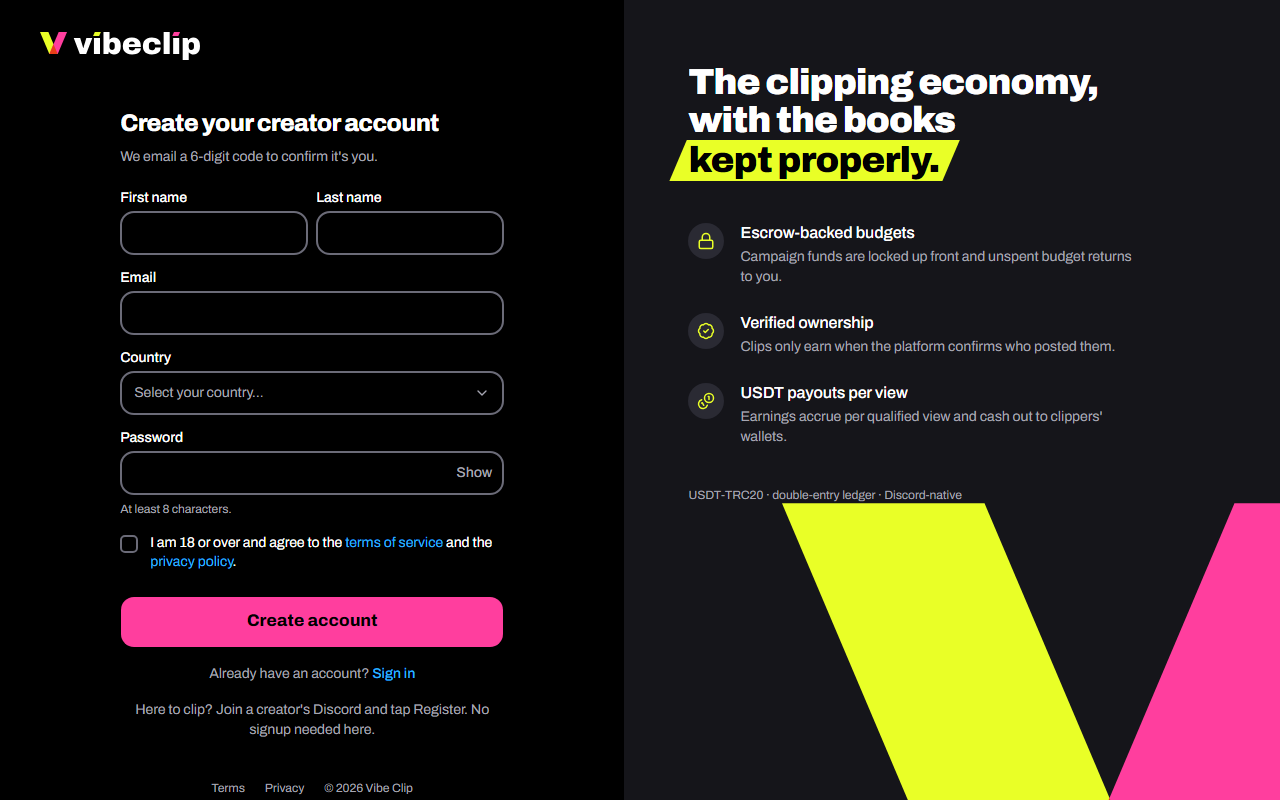
- Go to vibeclip.io/signup.
- Enter your first name, email, country and a password of at least 8 characters. Your last name is optional.
- Tick I am 18 or over and agree to the terms of service and the privacy policy.
- Tap Create account.
Confirm your email
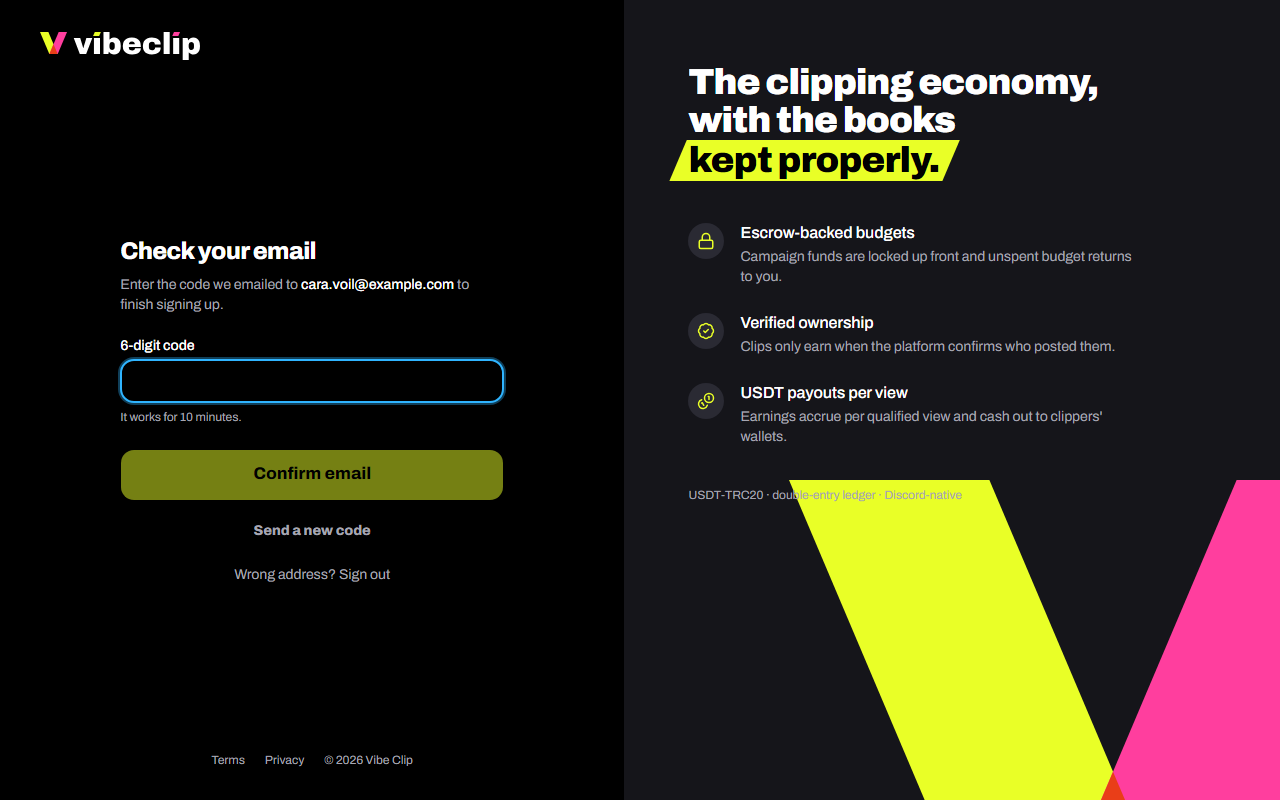
We email you a 6-digit code.
- Open the email. Its subject starts with the code.
- Type the code and tap Confirm email.
The code works for 10 minutes. No email? Check your spam, then tap Send a new code.
Your first steps
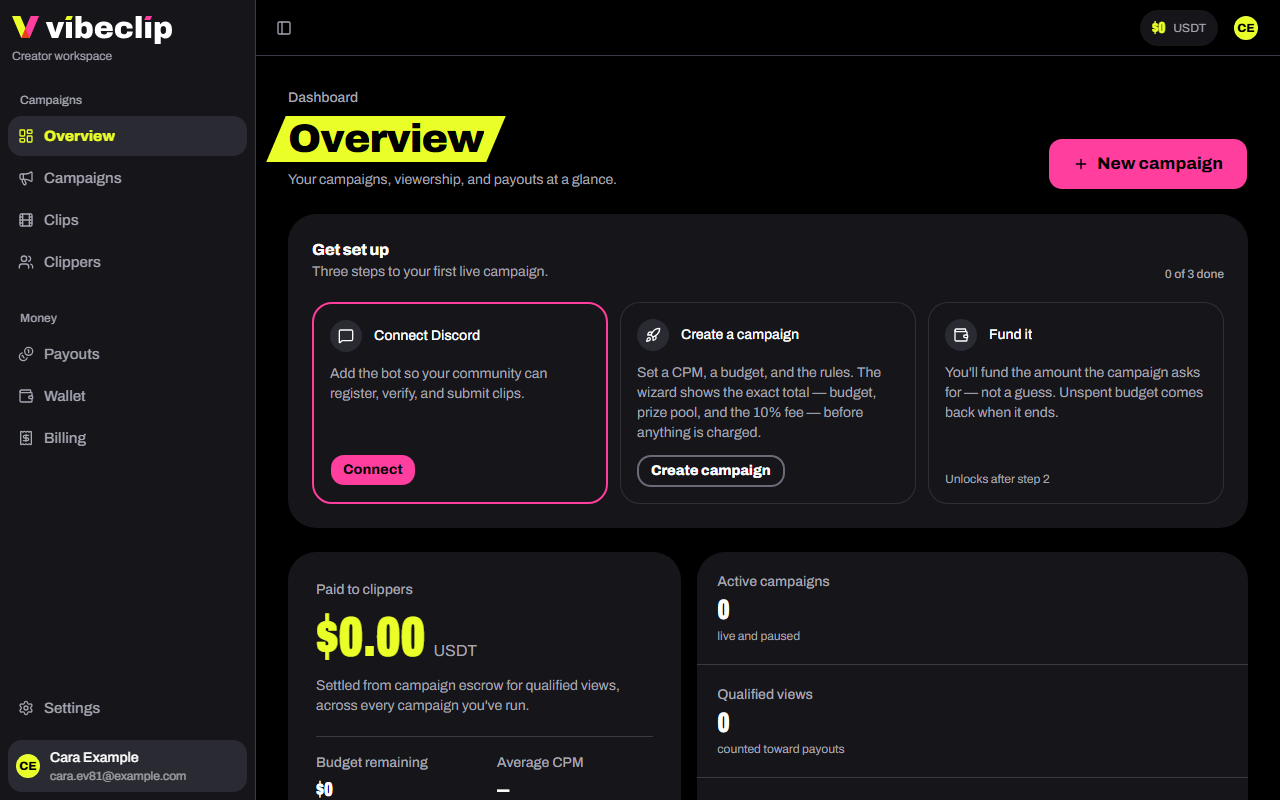
The Overview page opens with Get set up, three steps to your first live campaign:
- Connect Discord. Add the bot so your community can register, verify and submit clips. See Connect your Discord server.
- Create a campaign. The wizard shows the exact total before anything is charged. See Launch a campaign.
- Fund it. If your balance is short, deposit the difference and it launches the moment the deposit lands. See Add funds.
Getting around
| In the sidebar | What's there |
|---|---|
| Overview | Your campaigns, views and payouts at a glance |
| Campaigns | Every campaign, and the button to launch one |
| Clips | Every clip, and the review queue |
| Clippers | Everyone who joined your server |
| Payouts | What clippers earned and their cash-out requests |
| Wallet | Your balance, deposits and withdrawals |
| Billing | Receipts, invoices and statements |
| Settings | Your profile, billing details, Discord server, email and password |
Your available balance sits at the top of every page, in USDT. Tap it to open your wallet.
Billing details
Want a company name or tax ID on your invoices? Add them in Settings → Billing details before you fund a campaign. Documents already issued don't change.