

All docs pages
For creators
Track results
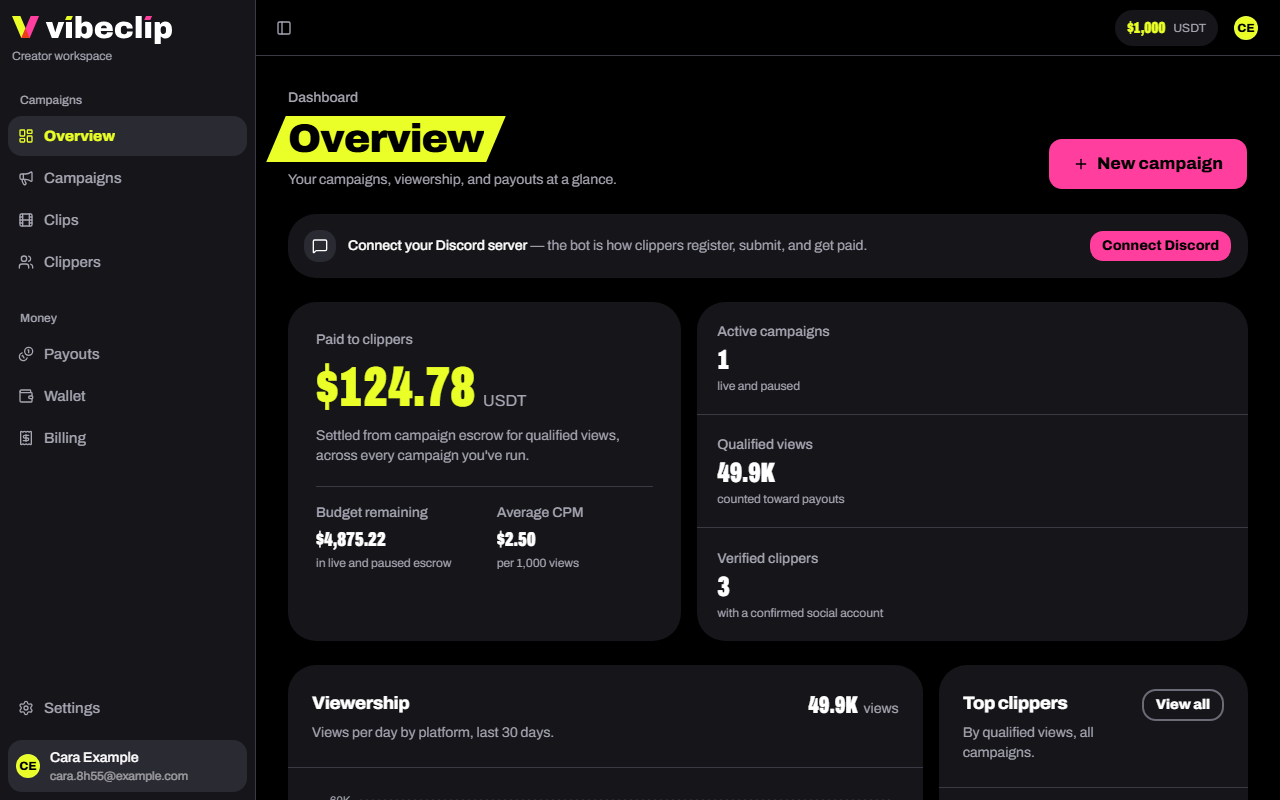
The Overview
Your numbers across every campaign:
- Paid to clippers: settled from campaign escrow for qualified views. Next to it, the budget still in escrow and your average rate per 1,000 views.
- Active campaigns, Qualified views and Verified clippers.
- Viewership: views per day by platform, over the last 30 days.
- Top clippers: by qualified views.
- Active campaigns: each one's budget spent so far.
- Needs review: clips waiting for you, riskiest first.
- Past campaigns: final numbers for the ones that ended, and what came back to your wallet.
A campaign's page
Open any campaign from Campaigns:
- Budget spent: how much has gone to clippers, and how much is left.
- Escrowed, Qualified views, Clips and Clippers.
- Brief: Copy link for clippers shares it with anyone, no sign-in needed. Download PDF gets the file.
- Setup: how the campaign qualifies and pays.
- Clips: every submission with its views, engagement, earnings and status.
- Leaderboard: top clippers by qualified views.
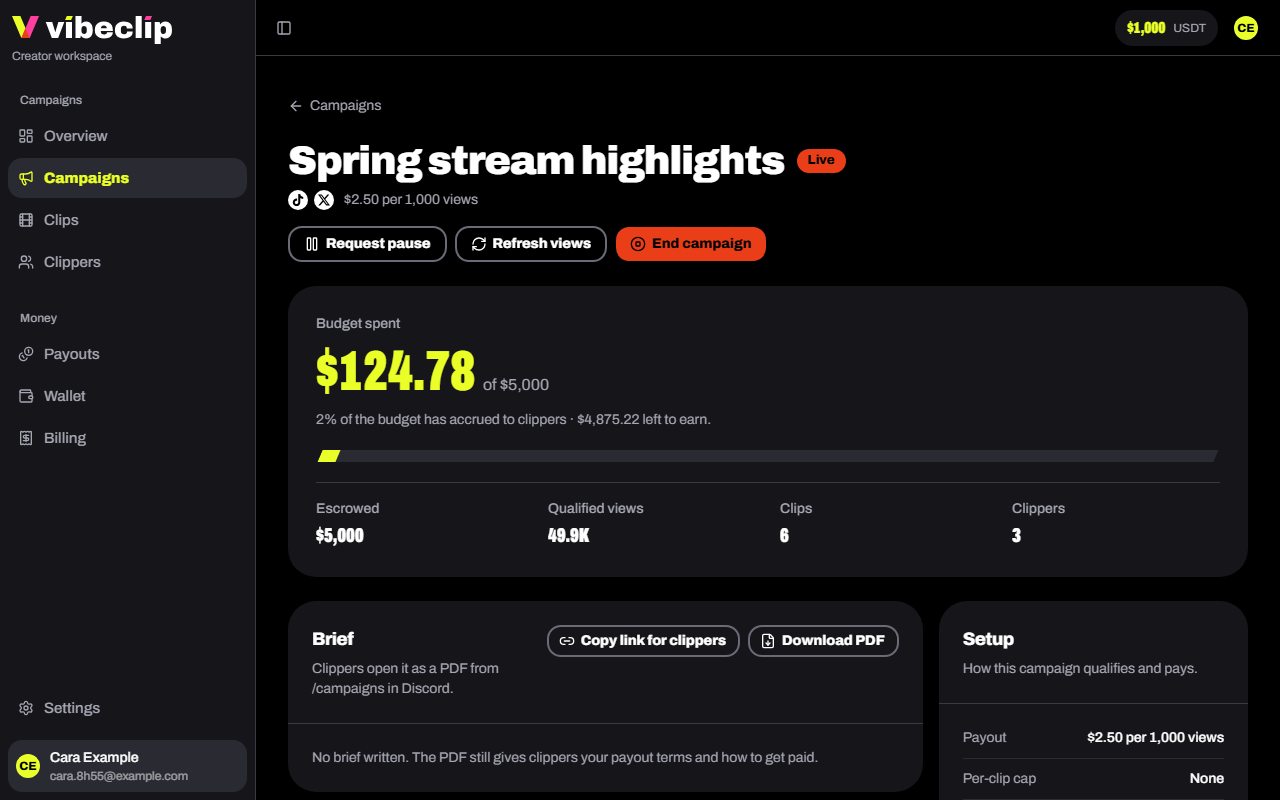
Views update on their own. Refresh views asks for a new read, and the numbers update a few minutes later. See How views are counted.
Pause a campaign
Tap Request pause and say why. A Vibe Clip admin reviews the request. The campaign keeps running, and clips keep earning, until they approve it. You can resume it yourself afterwards.
Payouts
Payouts shows what clippers have earned from your campaigns, and their cash-out requests. Each cash-out waits for a Vibe Clip admin before it's sent. If something looks wrong, hold that clipper's payouts from their profile.