
All docs pages
For creators
Review clips
Every clip waits for you before it earns, unless you turned on auto-approve. Clips our checks flag wait for you too.
The review queue
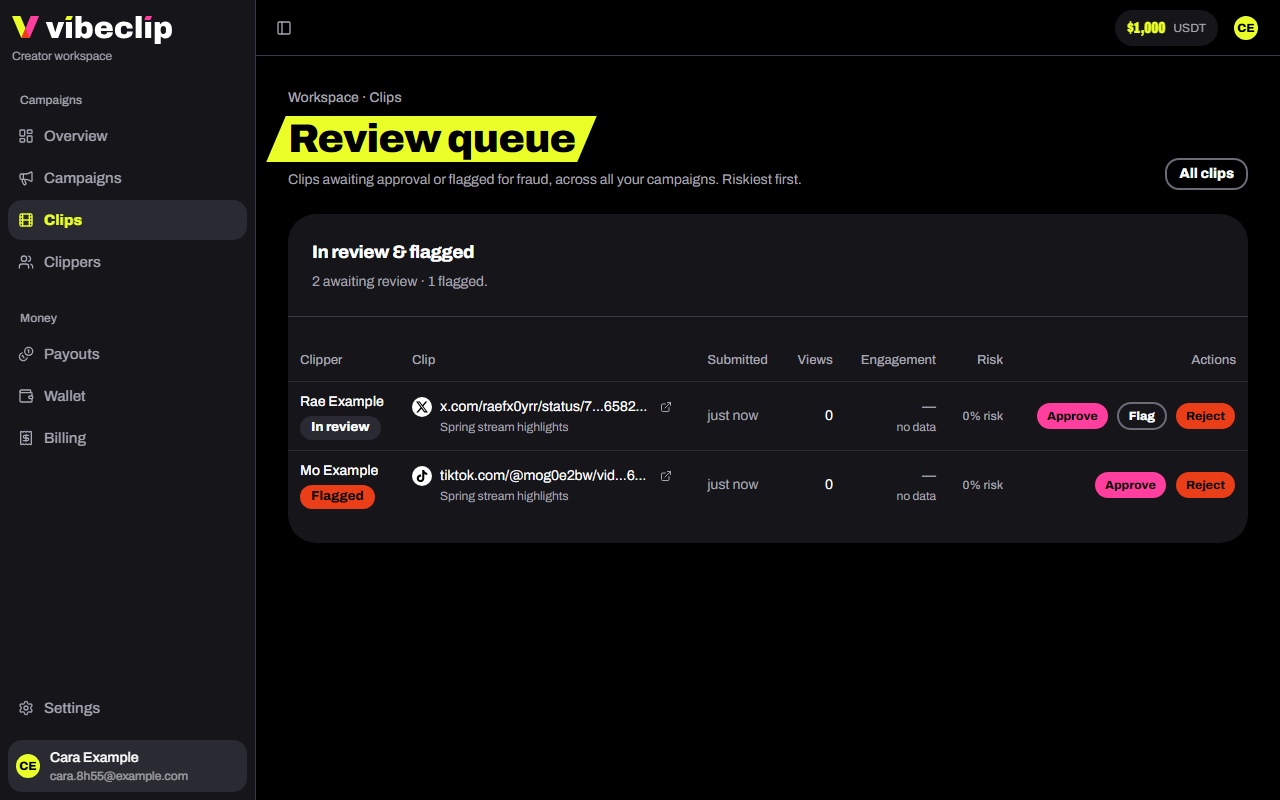
Open Clips → Review queue, or Open queue under Needs review on the Overview. It lists the clips waiting for a decision across all your campaigns, riskiest first.
What to look at
- Author verified. The platform confirmed the clip was posted from the clipper's verified account.
- Views and engagement. Likes, comments and shares next to the views.
- Risk. Our fraud score: high from 70, worth a look from 40.
- The clip itself. Open it and check it follows your brief.
Decide
- Approve. The clip starts earning. On a flagged clip, approving clears the flag.
- Ask for a change. For a fix that keeps the same post: the caption, a tag, a post made public again. Say what needs to change. The clip waits, not earning, until the clipper fixes it and taps I've fixed it in Discord; then it comes back to your queue marked Clipper says it's fixed, and you approve, reject or ask again. After 7 days without a fix it's rejected on its own. A different edit means a new post, so reject instead.
- Flag. Holds it for a closer look. The clipper sees "In review" and nothing more.
- Reject. Say why. It's required, it goes to the clipper word for word, and it stays on the clip. The clip stops for good and can't be approved again. What it already earned stays with the clipper.
How the clipper hears
You never message clippers yourself. The platform tells them: a Discord DM from the bot, or an email when their Discord DMs are closed. Your reason, or the change you asked for, goes with it. Each clip's reason also shows under its status wherever the clip is listed, so you can see why a clip was rejected, including the ones our checks rejected on their own: a post from an account the clipper hasn't verified, a private or deleted post, a post made before the campaign launched.
Auto-approve
With Auto-approve clips on, clips confirmed to come from the clipper's own account skip the queue and earn at once. Impostor and unreadable posts are still rejected automatically, and the fraud checks keep running. A flagged clip comes back to your queue either way.
Every clip
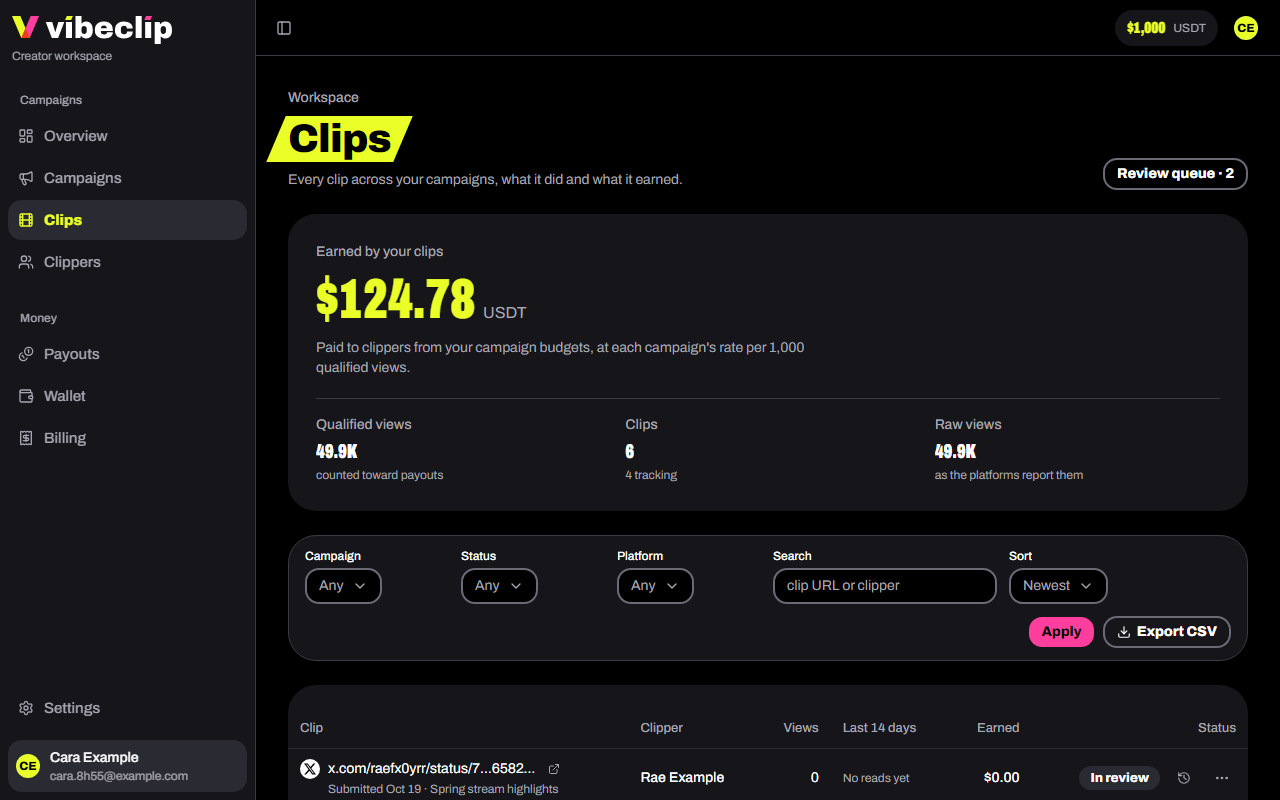
Clips lists every clip across your campaigns: what it did, what it earned and its status. Filter by campaign, status or platform, search by link or clipper, sort by views, earnings or risk, and Export CSV.
Your clippers
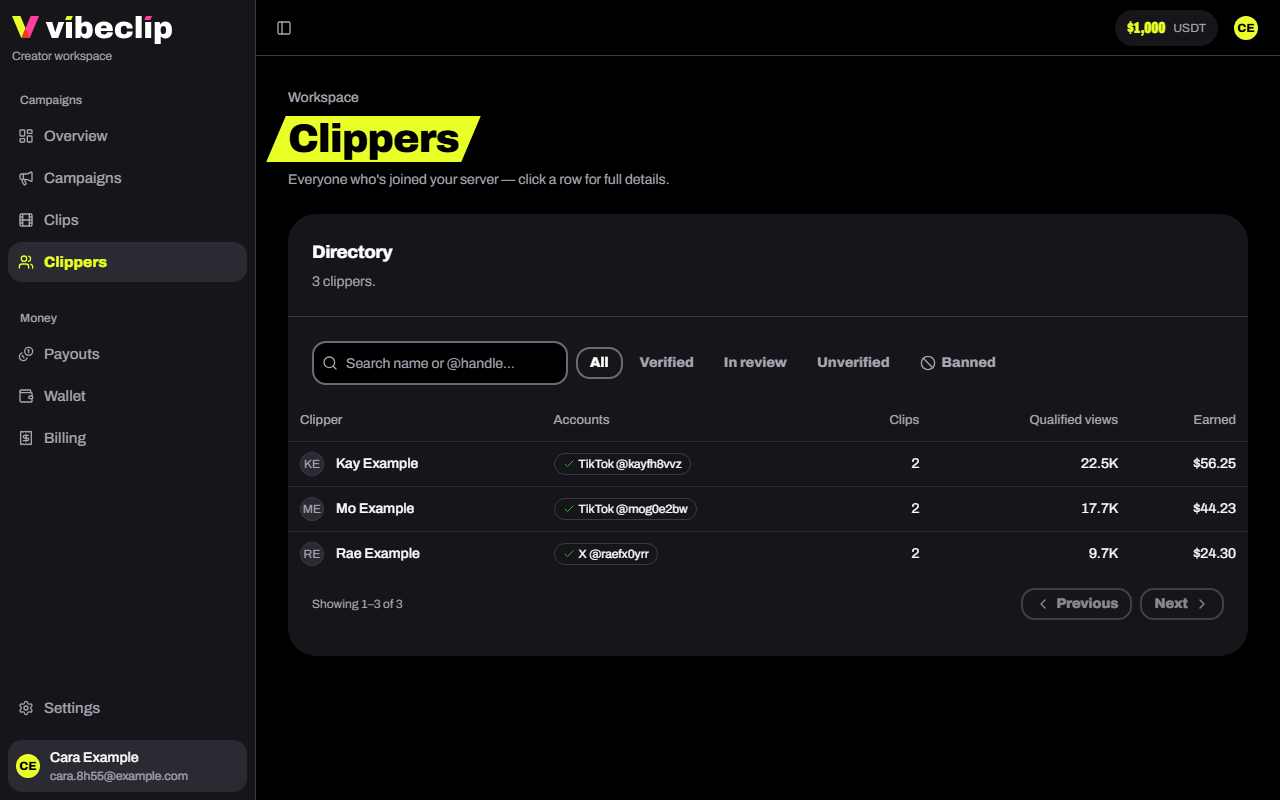
Clippers lists everyone who joined your server, with their accounts, clips, views and earnings. Open a clipper to:
- Hold payouts. What they earned from you waits until you release it. They can still submit and earn. Your reason is sent to them.
- Ban clipper. They can't submit new clips to your campaigns. Clips already approved keep tracking and paying.